Repository
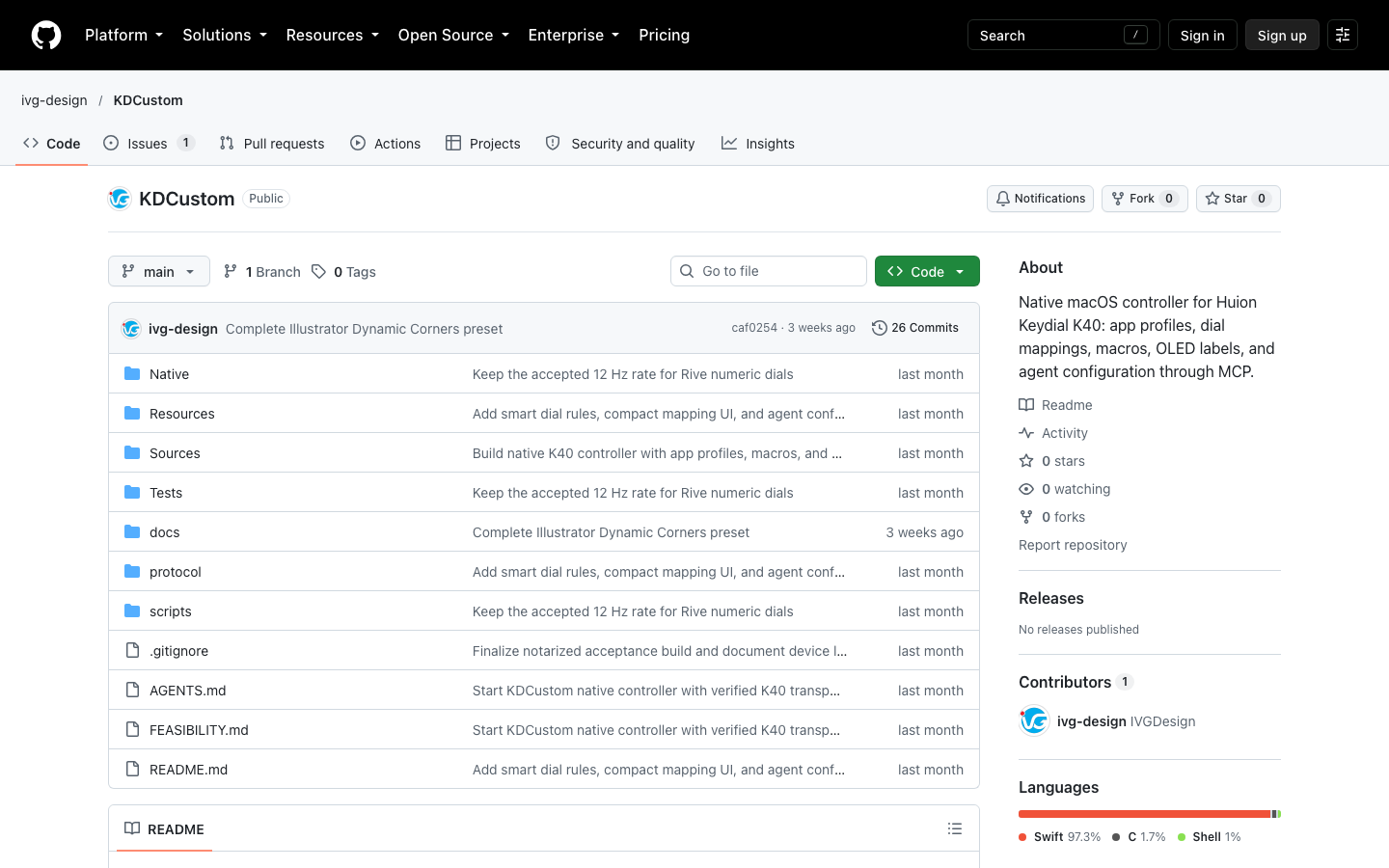
The KDCustom repository (captured 2026-10-21).
Tools
Native macOS controller for the Huion Keydial K40: per-app profiles, dial mappings, macros, an OLED layout editor and an MCP helper. Source only.
KDCustom (Keydial Studio): Huion Keydial K40 controller for macOS
A native macOS app, written because Huion's software for the Keydial Remote K40 does not do application-specific control on a Mac. It is independent of Huion.
The SwiftUI studio edits profiles; the app detects the foreground app's bundle identifier and switches to that app's profile, with a global fallback and a manual lock. Keys, group buttons and dials map to shortcuts or macros, and the OLED shows labels.
Per-app dial and key mappings for creative tools (zoom, brush size, timeline), consistent macros, and OLED feedback.
build from source with the scripts in the repo, no binary release yet.
Swift and SwiftUI, a protocol layer reverse-engineered from device captures, and an MCP helper.
The KDCustom repository (captured 2026-10-21).
App icon 1254x1254
Explore motion design and interactive animation services, or get in touch about your project.