Repository
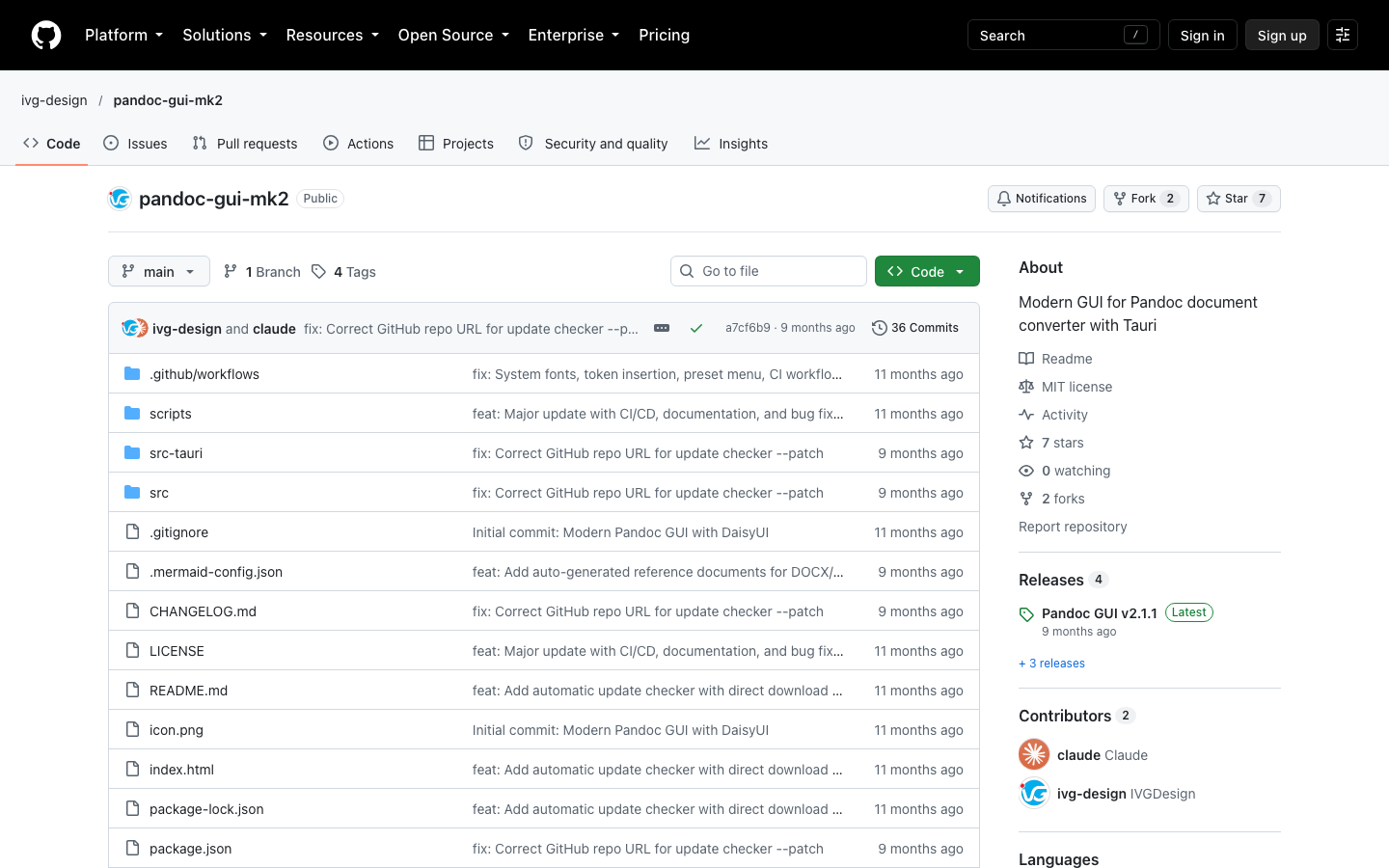
The pandoc-gui-mk2 repository (captured 2026-10-21).
Tools
Desktop interface for the Pandoc document converter, built with Tauri: pick formats and a PDF engine, save presets, convert. macOS, Windows and Linux. MIT.
Pandoc GUI
A modern desktop interface for Pandoc, for people who convert documents and would rather not memorise its options.
Choose input and output formats, a PDF engine and styling options, and convert, singly or in batches, with presets for jobs you repeat.
Documentation and writing workflows: Markdown to PDF/DOCX/EPUB, DOCX to Markdown, themed screen-reading PDFs.
Free, MIT licensed. Version 2.1.1, 2026-01-09, on GitHub Releases.
Tauri v2 (@tauri-apps/api 2.9) with a web front-end that drives the Pandoc binary.
The pandoc-gui-mk2 repository (captured 2026-10-21).
App icon 512x512
A Markdown file loaded, stepping through the Layout, Fonts, Content and Command tabs
Explore motion design and interactive animation services, or get in touch about your project.